
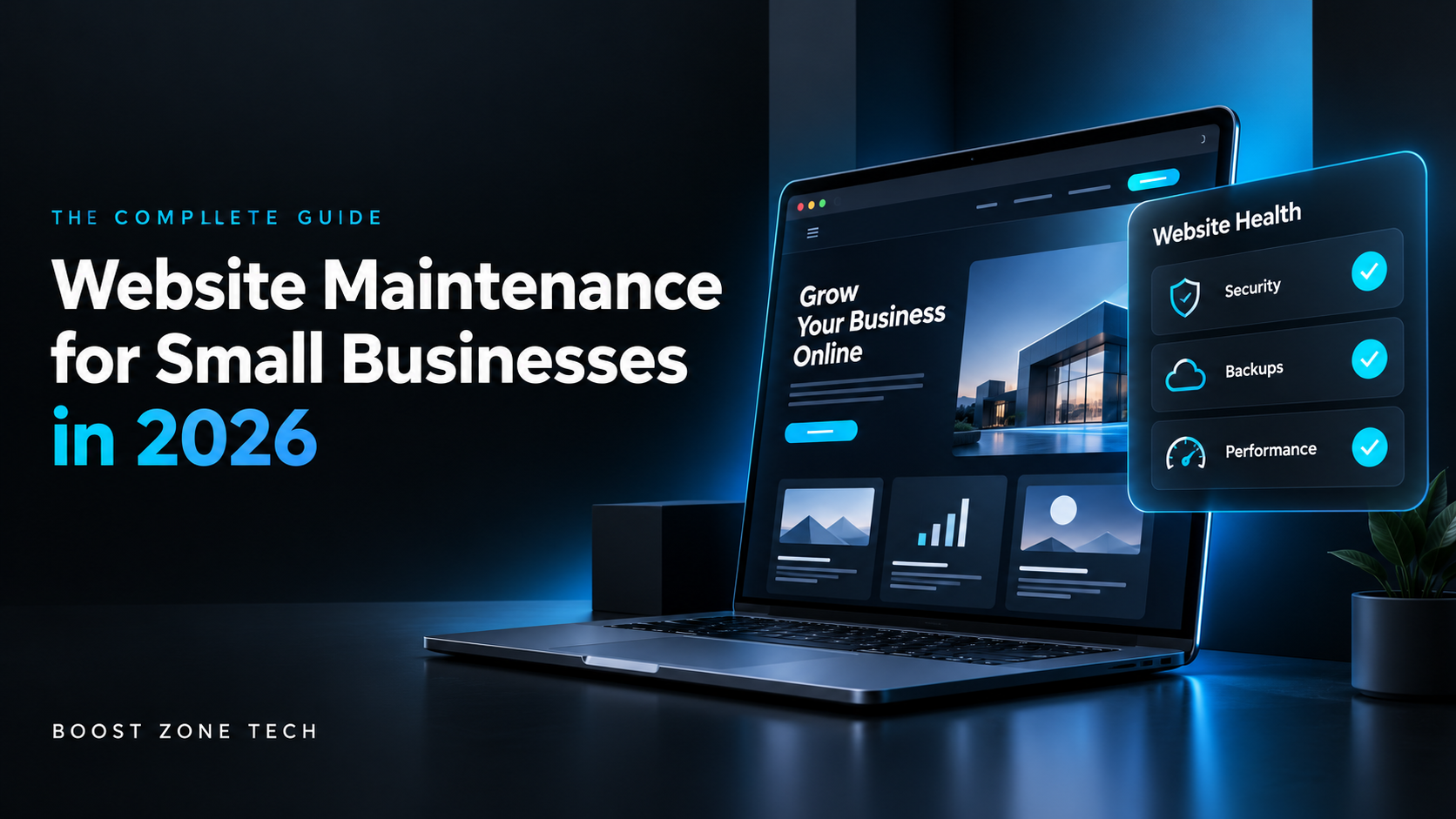
Introduction
Your website is open 24 hours a day. But if nobody is checking on it, small problems turn into big ones fast.
A broken plugin. A slow-loading page. An expired SSL certificate. Any of these can push customers away before they even read your homepage. That's what website maintenance for small businesses is really about — catching problems early and keeping your site working the way it should.
In this guide, we'll walk through what website maintenance means in 2026, why it matters more than ever, and how to build a simple routine that protects your business online. If you'd rather have a team handle this for you, Boost Zone Tech's website and app development services can take care of it directly.
Featured snippet answer: Website maintenance for small businesses means regularly updating software, checking security, backing up data, testing site speed, and fixing broken links or errors. Small businesses that skip maintenance are more likely to face downtime, security breaches, and lost search rankings — all of which cost real money and customers.
Why Website Maintenance Matters More in 2026
Search engines and browsers have gotten stricter. Google flags slow or insecure sites. Chrome and Safari now warn visitors before they even land on a page with an expired certificate.
For a small business, that's a direct hit to trust. People leave. They don't come back. And they definitely don't buy anything.
A few reasons this matters right now:
- Cyberattacks on small businesses have gone up, not down, and most target outdated software.
- Google's ranking systems reward sites that load fast and stay updated.
- Mobile traffic keeps growing, so a site that breaks on phones loses a big share of visitors.
- Customers expect a smooth, fast experience. If they don't get it, they leave for a competitor.
Website maintenance isn't optional anymore. It's part of running a business online, the same way you'd maintain a storefront or a delivery van.
What Website Maintenance Actually Covers
People often think maintenance just means fixing things when they break. It's more than that. Here's what a real maintenance routine includes.
1. Security Updates
Outdated plugins, themes, and CMS versions are the easiest way for hackers to get in. Regular updates close these gaps before someone finds them.
2. Backups
If your site goes down or gets hacked, a recent backup means you can restore it in minutes instead of starting from scratch. Backups should run automatically, not just when someone remembers to do them.
3. Speed and Performance Checks
Page speed affects both rankings and conversions. A site that takes more than three seconds to load loses a large chunk of visitors before the page even finishes loading.
4. Broken Link and Error Monitoring
Dead links and 404 errors hurt user experience and SEO. A quick monthly scan catches these before they pile up.
5. Content Updates
Old pricing, outdated service lists, or last year's promotions make a business look inactive. Fresh, accurate content builds trust with both visitors and search engines.
6. Mobile and Cross-Browser Testing
Your site needs to look and work right on every device. Skipping this step means losing customers who browse on their phones — which, for most small businesses, is the majority of traffic.
A Simple Monthly Maintenance Checklist
You don't need a huge budget to keep a site healthy. Here's a routine that works for most small businesses:
- Update your CMS, plugins, and themes
- Run a full site backup and store it off-site
- Check page load speed on desktop and mobile
- Scan for broken links and fix them
- Review contact forms to confirm they're working
- Check SSL certificate status
- Review analytics for sudden traffic drops
- Update outdated content, prices, or offers
Doing this every month takes a few hours. Skipping it can cost days of downtime later.
Signs Your Website Needs Maintenance Now
If you're not sure whether your site needs attention, watch for these signs:
- Pages load slowly, especially on mobile
- Forms don't send emails or submit properly
- You see a spike in bounce rate on your analytics
- Your CMS or plugins show update warnings
- Search rankings have dropped without explanation
- Visitors report the site "looks broken" on their device
Any one of these is worth fixing right away. Several at once usually means the site hasn't been maintained in a while.
DIY vs. Hiring a Maintenance Team
Some small business owners handle maintenance themselves, especially early on. That works fine if you have the time and some technical comfort.
But as your site grows — more pages, more traffic, more customer data — the risk of missing something goes up too. A missed security patch or an expired certificate can cost far more than a maintenance plan would.
This is where working with a team like Boost Zone Tech makes sense. Instead of checking everything yourself every month, a dedicated team handles updates, backups, and monitoring in the background, so you can focus on running your business.
If security is a specific concern, it's worth looking at a dedicated audit to see where your current setup stands.
How Website Maintenance Supports SEO and Marketing
A well-maintained site isn't just about avoiding problems. It actively helps your marketing.
Search engines favor sites that:
- Load quickly
- Have no broken links
- Stay updated with fresh content
- Run on secure connections (HTTPS)
If you're already investing in digital marketing, a poorly maintained website undercuts that spend. Traffic comes in, but a slow or broken site sends people away before they convert. Maintenance protects the return on everything else you're doing to bring visitors in.
Budgeting for Website Maintenance in 2026
Costs vary based on site size and complexity, but most small businesses can expect to pay for:
- Hosting and domain renewal
- Security monitoring and SSL renewal
- A maintenance plan or freelancer for updates and backups
- Occasional design or content refreshes
Think of it as a fixed operating cost, similar to utilities or insurance. Skipping it doesn't save money — it just delays a bigger bill later, whether that's a hacked site, lost customers, or an expensive emergency fix.
Final Thoughts
Website maintenance for small businesses in 2026 isn't a luxury. It's basic upkeep that protects your revenue, your reputation, and your search rankings.
A little consistent effort each month prevents most of the problems that cost businesses real time and money later. If you don't have the time to manage it yourself, Boost Zone Tech can set up a maintenance plan built around your site's needs.
Want help figuring out where your website stands right now? Get in touch with Boost Zone Tech and we'll walk you through it.
Frequently Asked Questions
How often should a small business update its website?
Security updates should happen monthly at minimum. Content updates depend on your business, but checking every one to two months keeps information accurate.
What happens if I don't maintain my website?
Over time, you risk security breaches, slow load times, broken features, and dropping search rankings. Left long enough, some of these issues become expensive to fix.
Can I do website maintenance myself?
Yes, if you're comfortable with basic technical tasks and have time each month. Many small businesses start this way and later move to a maintenance plan as the site grows.
How much does website maintenance cost for a small business?
It depends on site size and needs, but most small businesses budget a modest monthly amount for hosting, security, and updates combined.
Is website maintenance different from web design?
Yes. Design is about how the site looks and is built. Maintenance is about keeping it running, secure, and updated after launch.